
Maximizing Value with Teggl Reading Features
In today’s fast-paced world, efficient reading tools are essential for anyone looking to absorb information quickly and effectively. Teggl has introduced a new reading tool designed to enhance the way users interact with digital content. This blog post explores how you can maximize value with Teggl reading features, offering practical tips and insights to help you get the most out of this innovative tool.
Understanding Teggl Reading Features
Teggl’s new reading tool is packed with features that cater to different reading styles and preferences. Whether you are a student, professional, or casual reader, these features can help improve comprehension and retention.
Some of the key Teggl reading features include:
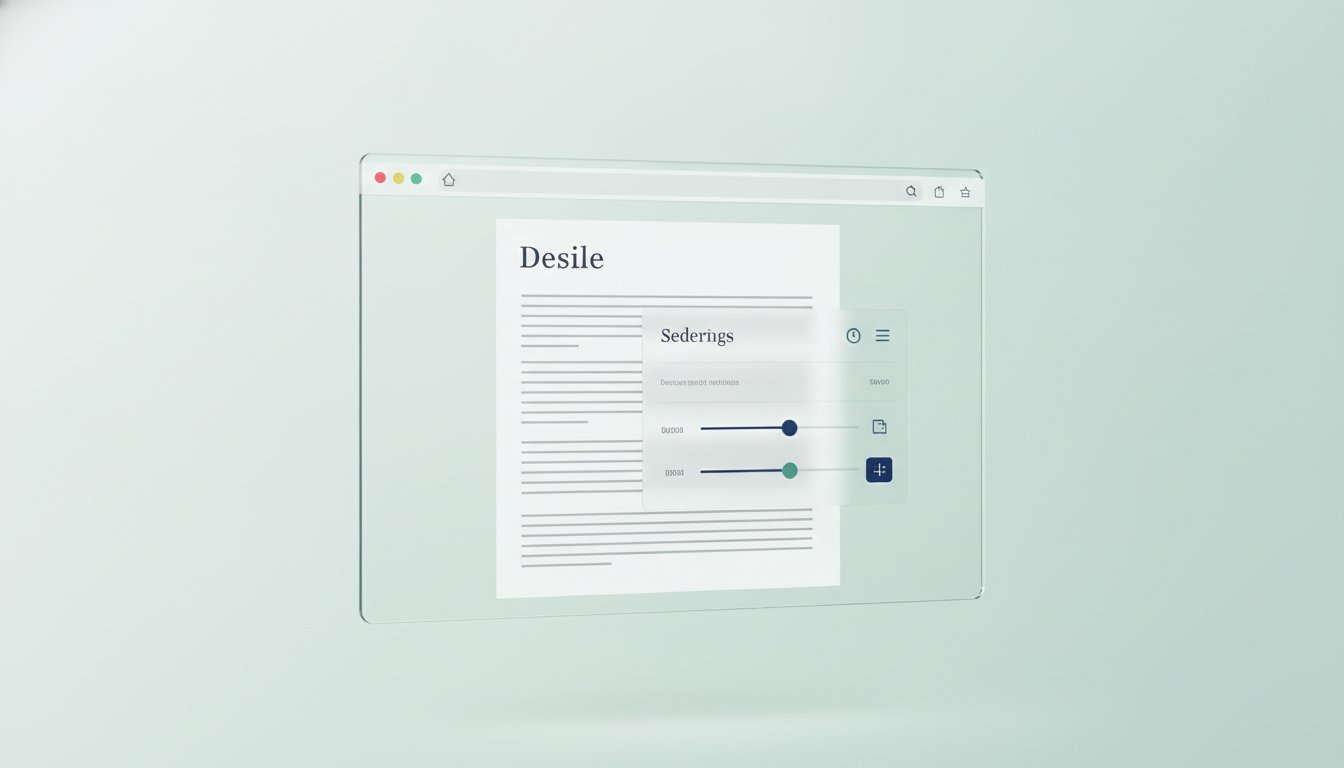
Customizable reading modes: Adjust font size, background color, and spacing to reduce eye strain.
Highlighting and note-taking: Easily mark important sections and add personal notes.
Speed reading options: Control the pace of your reading with adjustable speed settings.
Integrated dictionary and translation: Look up unfamiliar words or translate text without leaving the page.
Progress tracking: Monitor your reading habits and set goals to stay motivated.
These features work together to create a personalized reading experience that adapts to your needs.

How to Use Teggl Reading Features for Better Learning
To maximize the benefits of Teggl’s reading tool, it’s important to use its features strategically. Here are some actionable recommendations:
Set up your reading environment
Customize the reading mode to suit your lighting conditions and reduce fatigue. For example, use a dark background with light text for night reading.
Use highlighting and notes effectively
Highlight key points and add concise notes to summarize ideas. This makes reviewing easier and helps reinforce learning.
Practice speed reading with comprehension
Start with a comfortable speed and gradually increase it. Use the tool’s built-in comprehension checks to ensure you’re retaining information.
Leverage the dictionary and translation tools
When encountering new vocabulary, use the integrated dictionary to understand meanings instantly. For multilingual readers, the translation feature can bridge language gaps.
Track your progress and set goals
Use the progress tracking feature to monitor how much you read daily or weekly. Setting realistic goals can boost motivation and consistency.
By following these steps, you can transform your reading sessions into productive and enjoyable experiences.
Practical Applications of Teggl Reading Features
Teggl’s reading tool is versatile and can be applied in various contexts:
Academic study: Students can highlight important concepts, take notes, and review material efficiently.
Professional development: Busy professionals can speed-read reports and articles while retaining key information.
Language learning: The translation and dictionary features support vocabulary building and comprehension.
Leisure reading: Customize the reading environment for comfort and enjoy books or articles without distractions.
For example, a student preparing for exams can use the highlighting feature to mark essential facts and the note-taking tool to jot down summaries. Meanwhile, a professional might use speed reading to get through lengthy documents faster without sacrificing understanding.

Tips for Integrating Teggl Reading Features into Daily Routine
Incorporating Teggl’s reading tool into your daily routine can significantly improve your reading habits. Here are some tips to help you get started:
Schedule dedicated reading time: Set aside specific times during the day for focused reading sessions.
Use the tool across devices: Teggl supports multiple platforms, so you can read on your phone, tablet, or computer seamlessly.
Combine with other productivity tools: Sync your notes and highlights with apps like Evernote or OneNote for better organization.
Review notes regularly: Revisit your highlights and notes to reinforce learning and retention.
Experiment with different settings: Try various font sizes, colors, and speeds to find what works best for you.
By making Teggl reading features a part of your routine, you can build stronger reading skills and enjoy a more engaging experience.
Unlocking the Potential of teggl new reading
Teggl’s commitment to innovation is evident in the launch of their new reading tool. The teggl new reading platform offers a fresh approach to digital reading, combining technology and user-centric design to enhance comprehension and productivity.
Whether you are tackling complex texts or enjoying casual reading, Teggl’s tool provides the flexibility and support needed to maximize value from every reading session. Explore the features, customize your experience, and watch your reading efficiency soar.
By embracing Teggl reading features, you can transform how you consume information. From personalized settings to powerful productivity tools, Teggl offers a comprehensive solution for modern readers seeking to get more from their time spent with text. Start exploring today and unlock your full reading potential.

Comments